Notify User
Forward new leads and keyword hits to your phone, and control the CRM with WhatsApp messages (Bot Commands). Green rings mark the key controls.
1. Choose the Send From Account, enter your own WhatsApp number as the Recipient, and turn on Enable Notifications. New leads and keyword hits are then pushed to you.
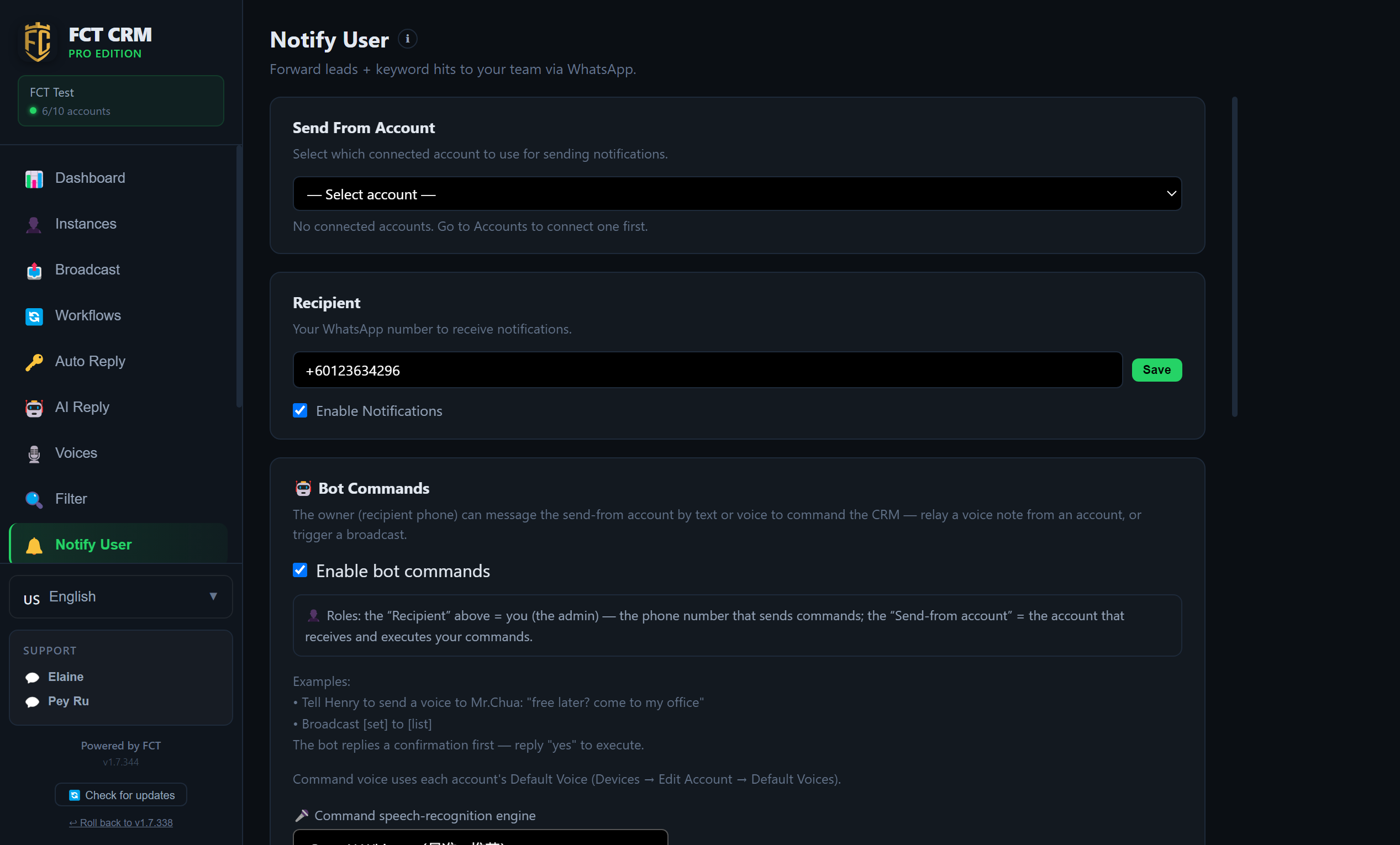
- Click Notify User in the sidebar.
- In the Send From Account dropdown at the very top, choose a connected WhatsApp account. Notifications are sent from this number. Once it is chosen, a green Connected appears below.
- In the Recipient input box, enter your own WhatsApp number that will receive the notifications. Include the country code, for example starting with plus 60. Then click Save on the right. The button turns into a tick when it has been saved.
- Tick Enable Notifications.
- Notification language defaults to Follow the app language. If you want notifications to always use another language, change it here.
- Scroll down to Notification Rules, click Add Rule, set the situations in which you want to be notified, then click Save Rule.
What the two numbers are
The Send From Account is the number that sends notifications on your behalf. The Recipient is your own number, where you read them.
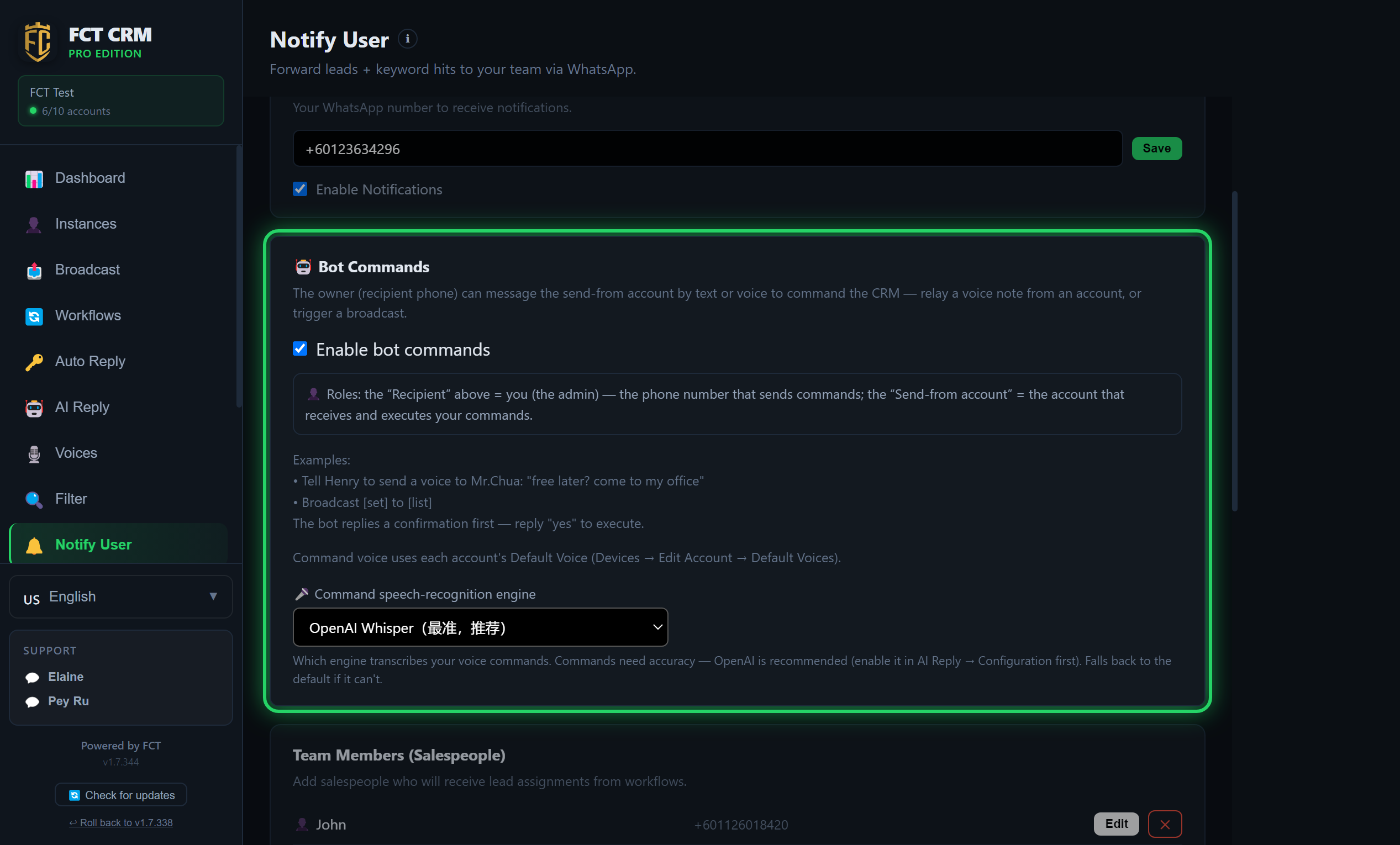
2. Bot Commands: once this is on, you can message the Send From Account by text or by voice to command the CRM, for example to relay a voice note, send a message or trigger a broadcast. The Recipient above is the admin who gives the commands, and the Send From Account is the number that receives and carries them out. The bot asks you to confirm first, and only runs when you reply yes.
- First set up the Send From Account and the Recipient from the previous step. Bot commands use these same two numbers.
- Scroll down to the Bot Commands block and tick Enable bot commands. The explanation and examples expand below.
- From your Recipient number, send a message to the Send From Account in WhatsApp on your phone. If you cannot remember what it can do, just send the word "help", and it replies with a full list of features.
- To give a command, say it the way the examples on the page do. For example, tell a certain account to send a voice note to a certain customer and say what it should contain, or broadcast a certain broadcast set to a certain list. Text and voice both work.
- It first replies with a confirmation message. It only carries the command out after you reply yes.
- If you often give commands by voice, choose an engine in the Command speech-recognition engine dropdown. The page recommends OpenAI Whisper, provided you have already enabled that provider in the AI Reply configuration.
Which voice is used for command voice notes
Voice notes sent on your behalf use the default voice that is set for each account when you edit the account on the Instances page.